> ## Documentation Index
> Fetch the complete documentation index at: https://docs.invup.me/llms.txt
> Use this file to discover all available pages before exploring further.
# Welcome to Invup
> Invup turns the work your team does into invoices your clients pay.
Invup is a billing platform for businesses that sell their people's time and expertise: law firms, accounting practices, architecture studios, marketing agencies, consultancies, engineering shops.
Your team tracks the work. Invup works out what it is worth, turns it into an invoice, sends it to your client, and tells you when it has been paid.
 ## Start here
How organizations, clients, projects, services, rates and invoices fit together. Ten minutes here saves an hour later.
Create an account and send your first invoice, end to end.
## What Invup does
Team members log time against projects. Invup resolves the correct hourly rate automatically from the rates you have set, so nobody has to remember what a particular person charges on a particular job.
Log expenses directly, or forward receipts to an address that belongs to your organization and let Invup read them. Sort expenses into categories, measure them against budgets, and pass the billable ones on to your client.
Pull unbilled time and expenses onto an invoice, apply taxes and discounts, and send it. Set up recurring invoices for retainer work, and automatic reminders so you are not the one chasing payment.
Your client opens a link, reads the invoice, and pays by card. Payments taken outside Invup, such as cheques and bank transfers, get recorded against the invoice by hand.
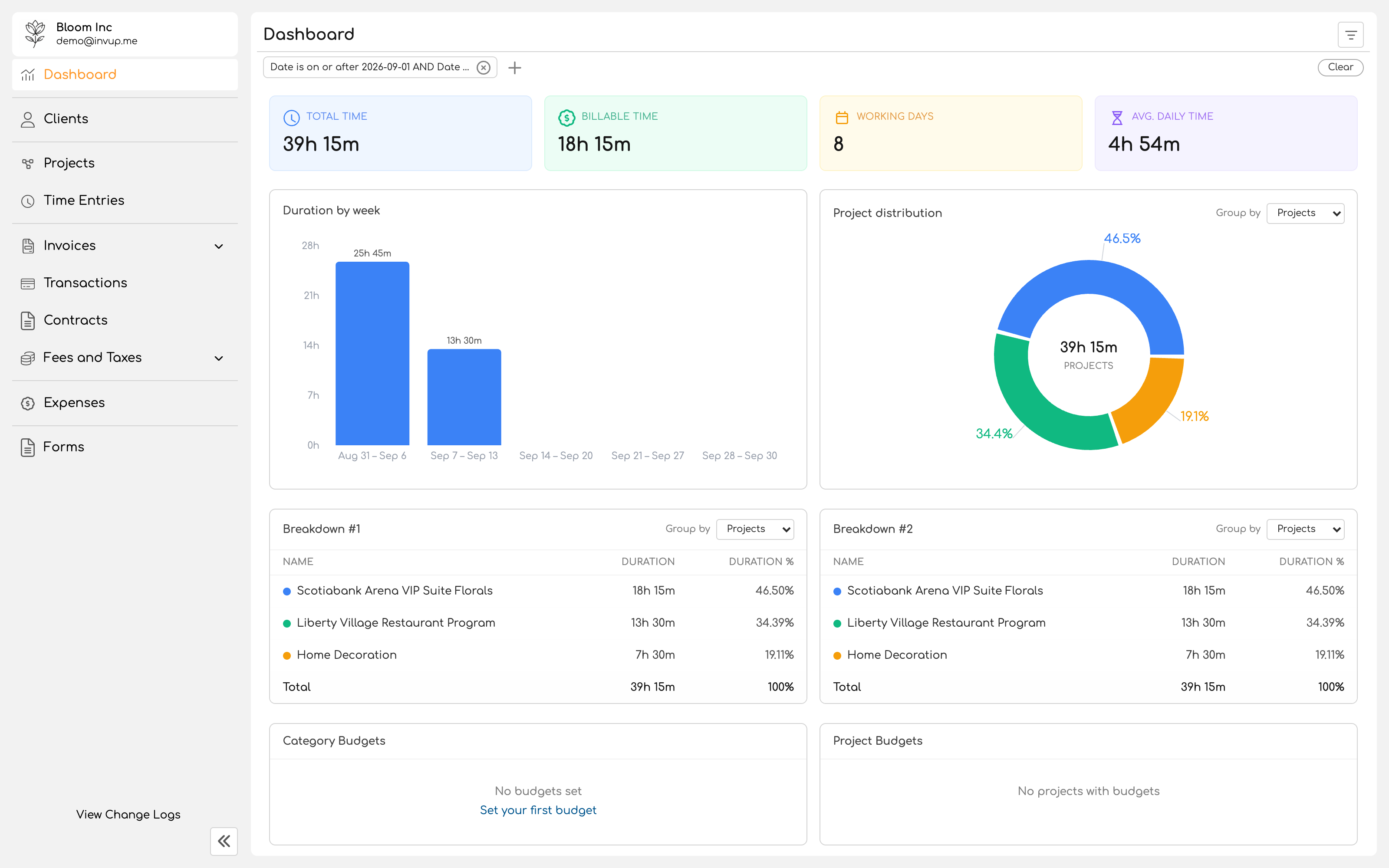
Send contracts for electronic signature, collect structured information through forms, and report on where time and money actually went.
## Who this is written for
These pages are written for the people running a business on Invup: owners, administrators, and the team members logging their work. No technical background is assumed.
If you are a **client who has received an invoice** and you want to pay it, you do not need any of this. Open the link in the email you were sent.
## Start here
How organizations, clients, projects, services, rates and invoices fit together. Ten minutes here saves an hour later.
Create an account and send your first invoice, end to end.
## What Invup does
Team members log time against projects. Invup resolves the correct hourly rate automatically from the rates you have set, so nobody has to remember what a particular person charges on a particular job.
Log expenses directly, or forward receipts to an address that belongs to your organization and let Invup read them. Sort expenses into categories, measure them against budgets, and pass the billable ones on to your client.
Pull unbilled time and expenses onto an invoice, apply taxes and discounts, and send it. Set up recurring invoices for retainer work, and automatic reminders so you are not the one chasing payment.
Your client opens a link, reads the invoice, and pays by card. Payments taken outside Invup, such as cheques and bank transfers, get recorded against the invoice by hand.
Send contracts for electronic signature, collect structured information through forms, and report on where time and money actually went.
## Who this is written for
These pages are written for the people running a business on Invup: owners, administrators, and the team members logging their work. No technical background is assumed.
If you are a **client who has received an invoice** and you want to pay it, you do not need any of this. Open the link in the email you were sent.