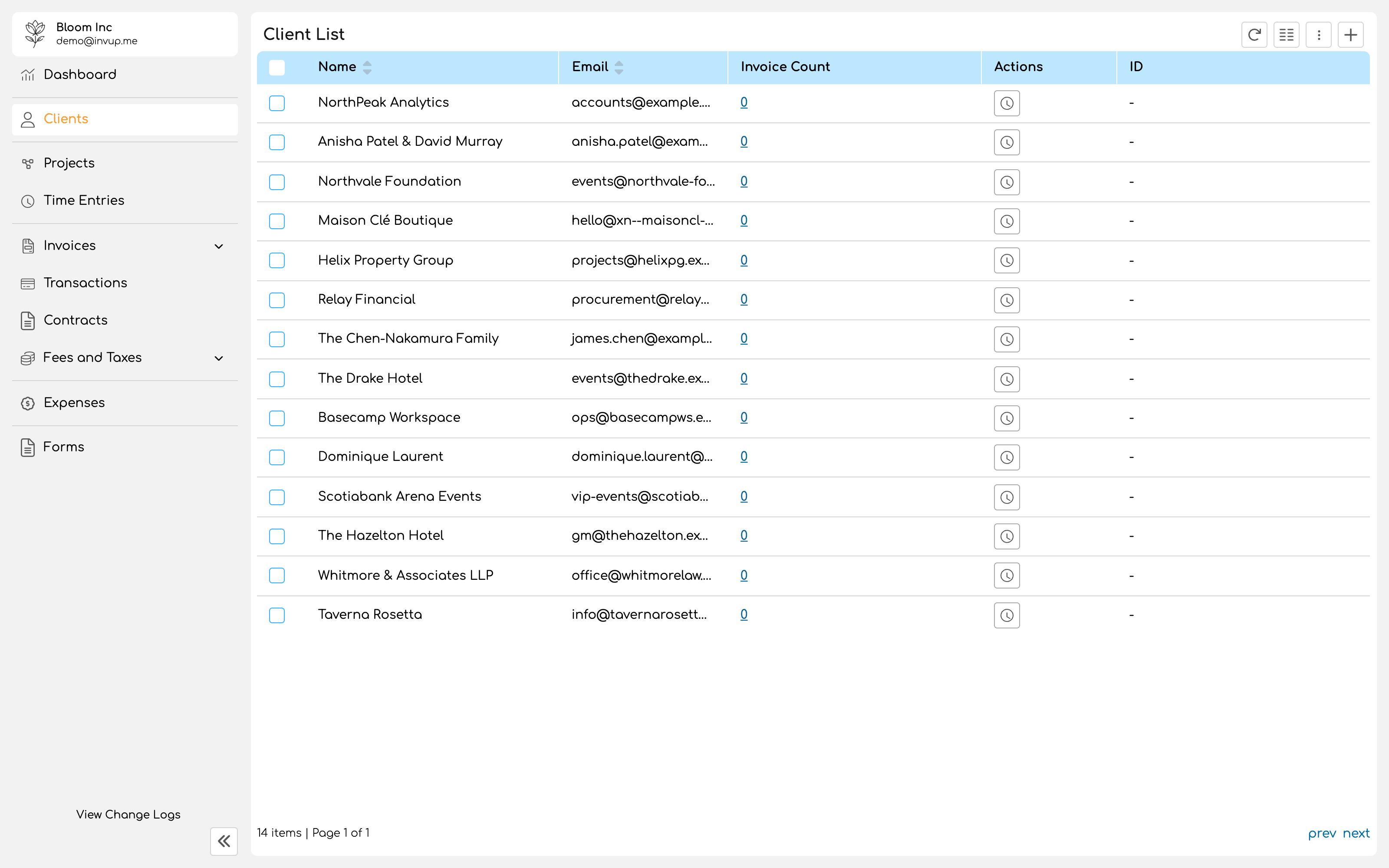
Create a client
1
Enter the billing details
Name and email address are required. Phone and the full address, being address lines one and two, city, state or region, postal code and country, are optional but appear on the invoice.Use the client’s legal or trading name as they expect to see it on a bill. This is the name that goes on the document their finance team will file.
2
Add at least one contact
A client with no contacts cannot receive anything. Invoices, reminders and receipts all go to contacts, not to the client record’s own email address.Each contact has a first name, last name, email address and phone number.
Contacts and contact types
Contact types decide which client facing emails each contact receives: invoices, reminders, receipts. This exists because clients rarely have one relevant person. The project lead wants to see the invoice. Accounts payable wants the invoice and the reminders. The managing partner wants nothing until something has gone wrong.Managing contact types requires the Pro plan. On Free, contacts still receive client facing emails; you simply cannot vary who receives which.
What clients see
Clients never log in to Invup. When you send an invoice, the contact receives an email with a link to a portal showing that invoice and a way to pay it. That portal is the entirety of your client’s experience of Invup, which is why your logo and payment settings are worth doing before the first send rather than after. See Invoice settings and Connect Stripe.Deleting a client
Deleting a client is available from the list, individually or in bulk. Think of a client record as the anchor for everything you have ever billed that business. Projects belong to it, and so does invoice history. Where a relationship has simply ended, leaving the record in place keeps the history readable.How many clients to add now
One is enough to get through Quickstart. Beyond that, add clients as you win them rather than importing a list you are not yet billing. An empty client with no projects is noise in every selector for the rest of the year.Next
Define your services
Describe the kinds of work you sell.
Create your first project
Give the work somewhere to be logged.