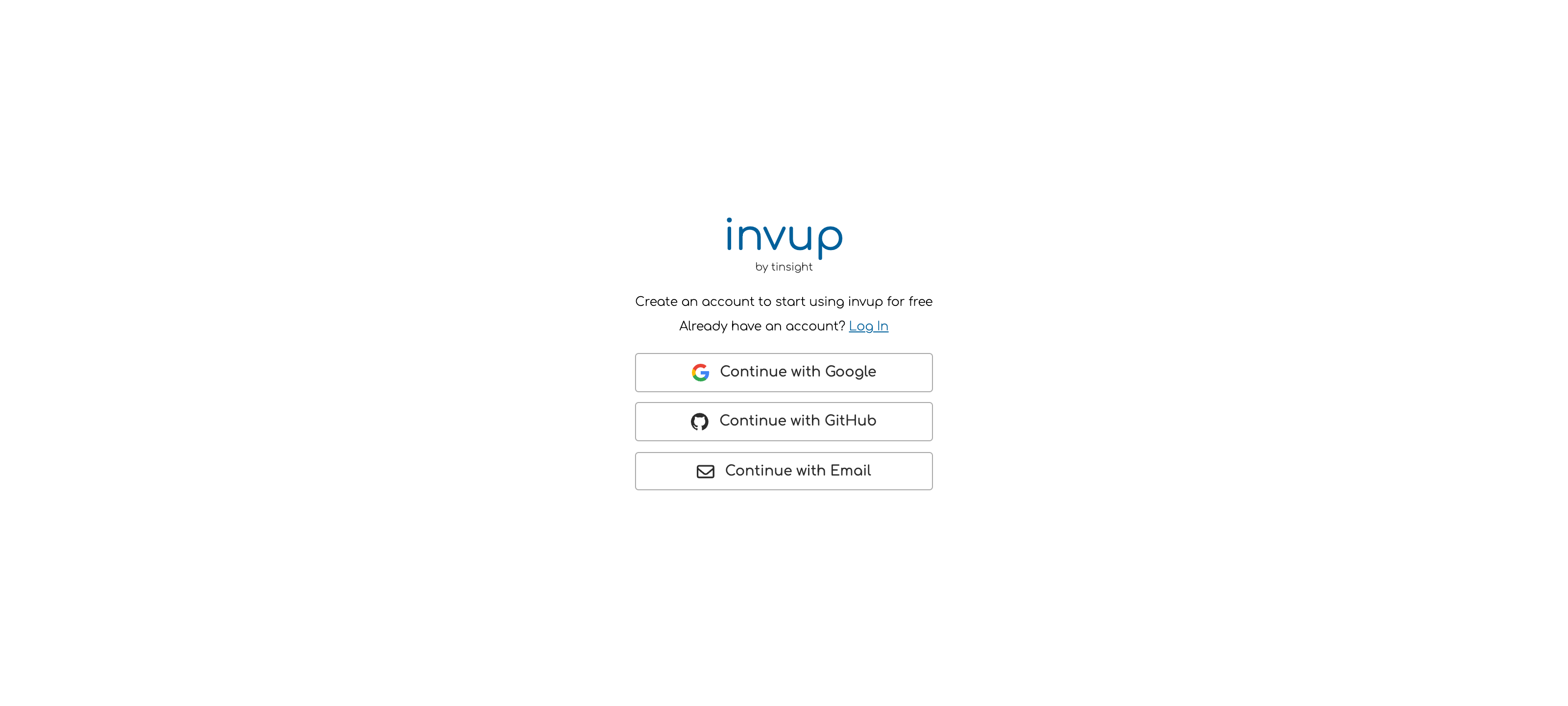
Sign up
1
Choose how to sign in
Sign up with an email address and password, or continue with Google or GitHub.Signing up with Google or GitHub means one less password, and it skips email verification because the provider has already confirmed the address.
2
Verify your email address
If you signed up with an email address, Invup sends a verification link. Open it before going further.If it has not arrived after a few minutes, check the spam folder before requesting another.
3
Fill in your profile
Your name and photo appear next to your time entries and on the activity log, so colleagues can see who did what. It is worth two minutes.
Turn on two factor authentication
Two factor authentication asks for a code from your phone in addition to your password. It is the single most effective thing you can do to protect an account that holds client billing details and revenue history.1
Open your profile settings
Two factor authentication lives in your personal profile settings, not in organization settings. It protects you across every organization you belong to.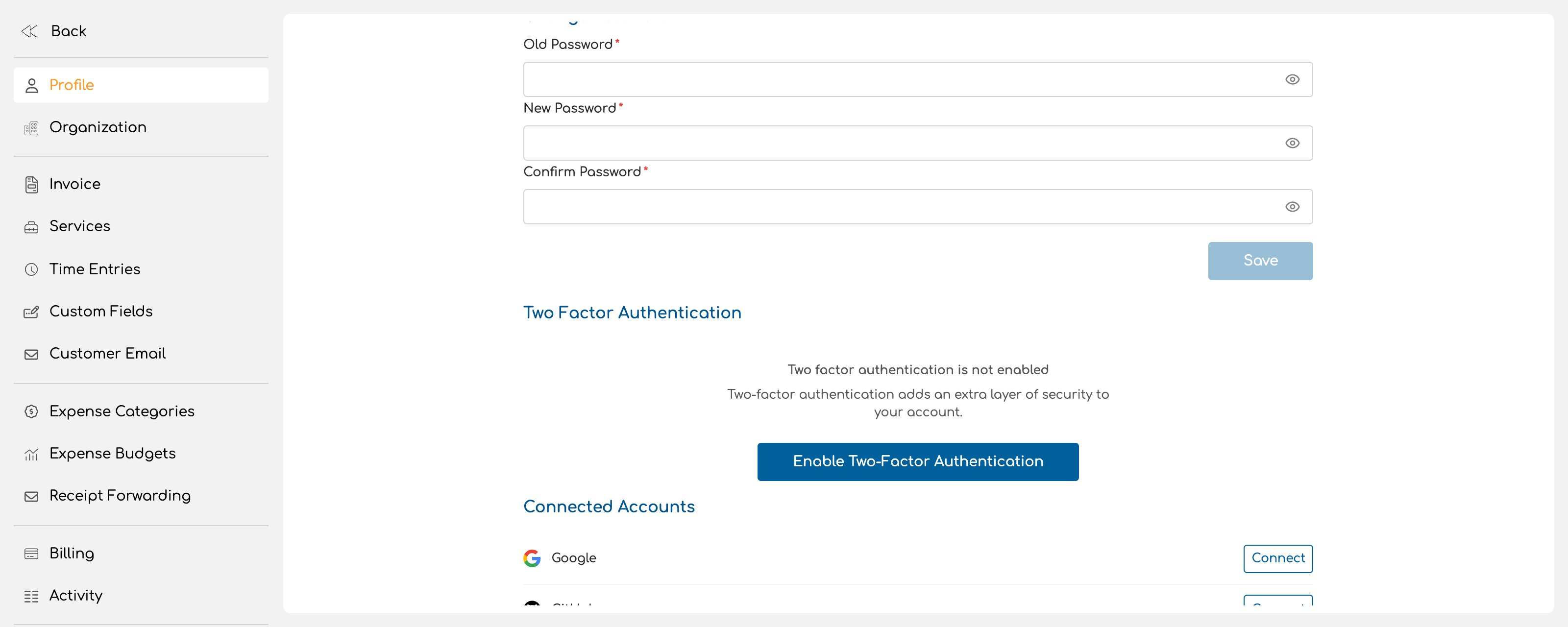
2
Scan the QR code
Invup shows a QR code. Scan it with an authenticator app, or enter the code manually if you cannot scan.
3
Verify
Enter the six digit code your app is showing to confirm the pairing. Until you do, two factor authentication is not active.
Connected accounts
You can link your Google or GitHub account to an Invup account that was created with a password, and then sign in either way. Disconnecting a provider is immediate. Make sure you still know your password before you disconnect the method you have been using to sign in.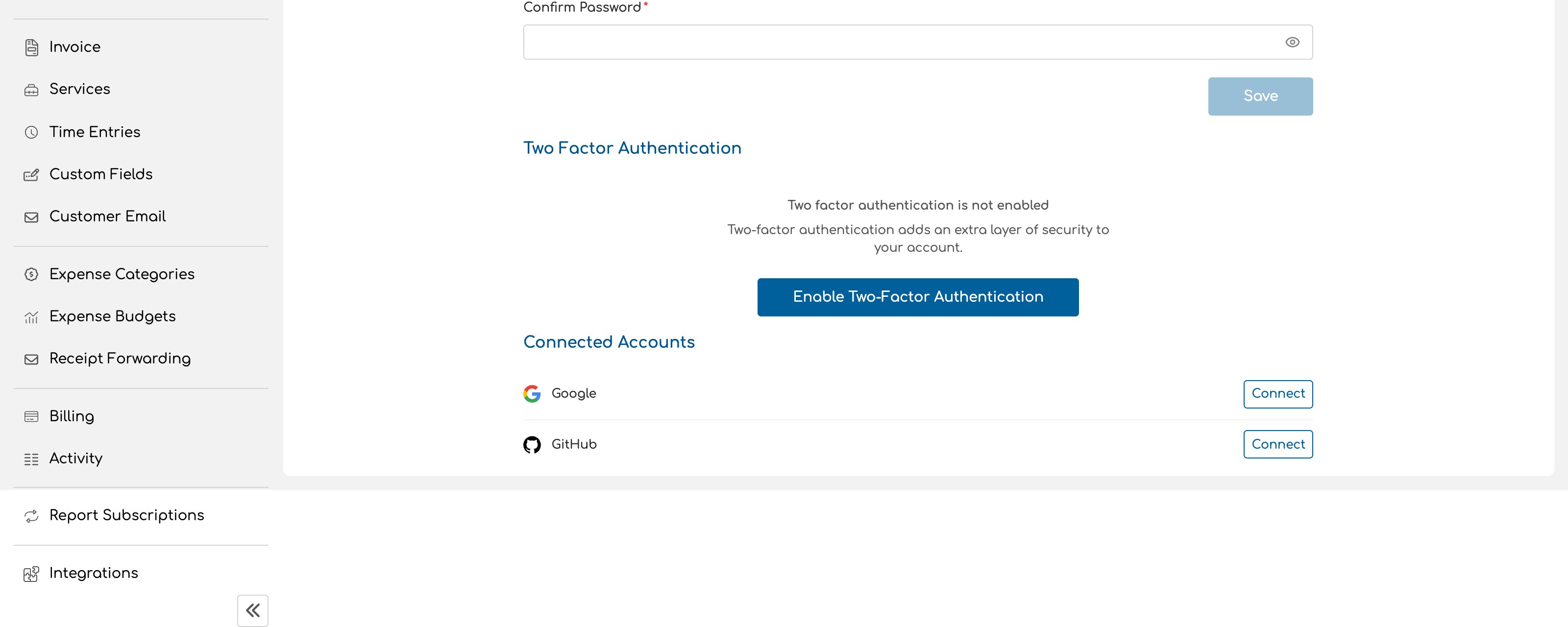
Forgotten passwords
Request a reset from the sign in screen. Invup emails a link that lets you set a new password. The link expires, so request a fresh one rather than reusing an old email.Joining an existing organization
If you were invited to an organization, you do not create it. Open the invitation email, accept it, and the organization appears in your account. An invitation is tied to the email address it was sent to. If you would rather use a different address, ask whoever invited you to cancel it and send a new one.Next
Organization profile
Set up the business your clients will see on every invoice.
Core concepts
How the pieces of Invup fit together.